Deck Mounted Video Camera - eLearning Lesson
Welcome to this short eLearning lesson on how to mount a video camera onto the nose of your SUP.
You will need:
- a waterproof digital camera with video capability (a 2GB memory card is also recommended to capture one hour of continuous video) - eBay $110;
- a glazier's suction cup - eBay $20;
- some scrap deck grip - the shed $0;
- a short tie-down strap - Bunnings $5; and
- a water ski rope float - Whitworths $3.
/images/misc/forum-image-missing.gif
Step 1
Drill a series of 4mm holes in one side of the fixed handle of the suction cup to create a slit as wide as the tie-down strap. Repeat for the other side.
Step 2
Feed the tie-down strap through each of the slits so the buckle of the strap is at the back of the suction cup (where the lever handle is). Using these slits will stop the strap from sliding off.
Step 3
Thread the water ski rope float onto the end of the tie-down strap. Tie a figure eight knot on the end so it cannot slide off. This is necessary as the complete unit doesn't float without adding this extra piece of buoyancy.
Step 4
Grind a step into the front of the suction cup for the base of the camera to lock into.
/images/misc/forum-image-missing.gif
Step 5
Stick some scrap deck grip above the step to enhance the height of the step and to add a bit of padding for the camera.
Step 6
Place the suction cup in the appropriate position on the nose of your board. It should be dead centre and as far forward as possible while still remaining on a flat part of the board.
/images/misc/forum-image-missing.gif
Step 7
Lock the suction cup in place by raising the lever handle. Make sure it goes on the inside of the tie-down strap.
/images/misc/forum-image-missing.gif
Step 8
Attach the safety strap on the camera to the tie-down strap. This allows everything to stay together in the event of a "suck-off".
/images/misc/forum-image-missing.gif
Step 9
Seat the camera (on its side) inside the strap at the front of the suction cup. The bottom of the camera should fit in front of the step you grinded earlier. The camera on its side allows more height of the surfer to be viewed without needing an expensive wide angle lensed camera. You will need to rotate your final video clip by 90 degrees during the editing process.
/images/misc/forum-image-missing.gif
/images/misc/forum-image-missing.gif
Step 10
Tighten the strap as hard as it can go.
/images/misc/forum-image-missing.gif
Final Front View:
/images/misc/forum-image-missing.gif
Final Rear View:
/images/misc/forum-image-missing.gif
Now, get out there and rip it up. Just start the camera recording before you paddle out and keep surfing until the memory card runs out.
Don't forget to share your videos with everyone via YouTube and SeaBreeze.
View topic
Scarbs banks have broken!
Had a ripper session at scarbs this am - the winter banks have arrived after a good savaging from a strong frontal system.
scarbs -with less than 1.7m swell at rotto absolutely goes off - as long as there are gutters. Any more than 1.7m of swelll and i grab the surfboard and go barrell hunting.
Today it was marginal with some shortboarders getting some good uns but a little lacking in power as the swell was slowly on the fade - the 11'2 Starboard loved it. Definitley got tons of long rides with speed - and some reos too.
i COULD have taken heaps of weaves off the pack - but i was making sure that no one felt like they were being taken advantage - we have to be SUPER CONSIDERATE of other users - i was already getting some pretty funky looks just by being out there.
The cool thing is that the SUP still rocks at Scarbs when there is as little as 0.7m swell at rotto -had plenty of ripper days in summer in these sort of conditions- its pretty rare that it gets smaller than that - i'm gonna get so many days in this winter - stoked!
View topic
pics up from the Wild Fig CAFE
without board and sore back so did a bit snapping this arvo, pics up in photo section...heres a couple....
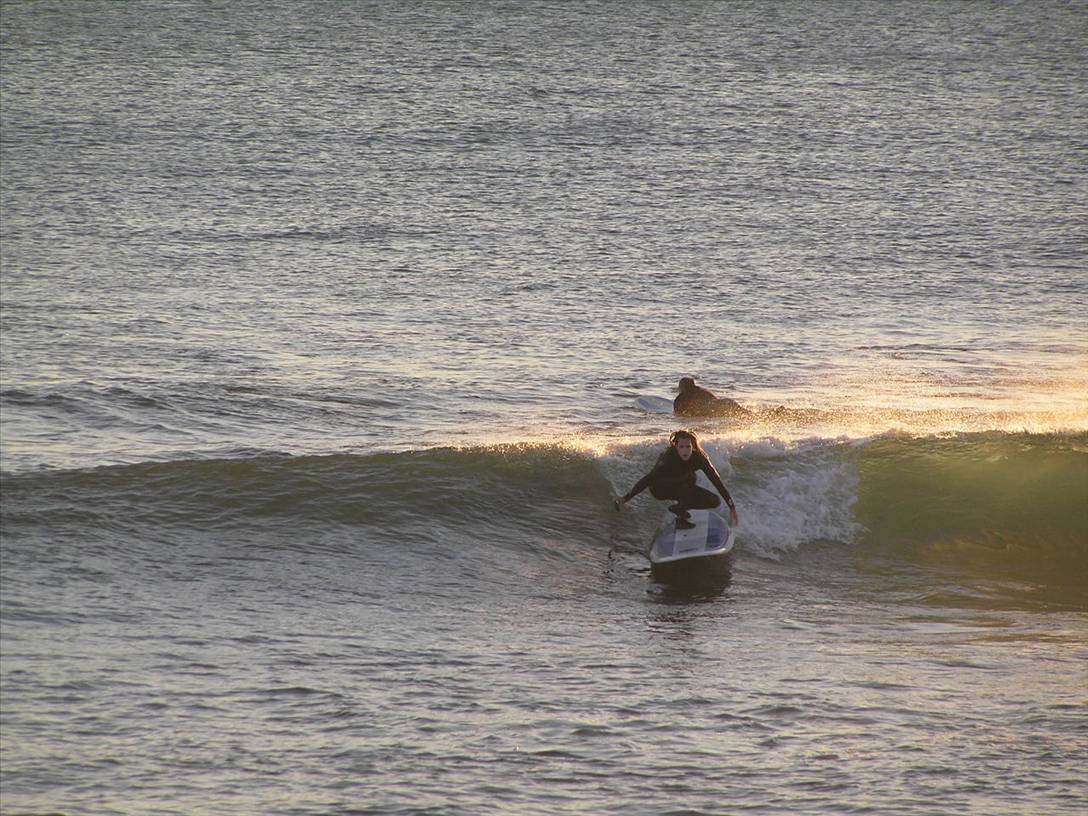
simon on g/r's 11'2

Akhawk...hmmmm nice light,

side show BOB

WA sunset

ghost rider stikes again