Samsung Galaxy Tab2

> 10 years ago
Reply
Register to post, see what you've read, and subscribe to topics.
Boombuster
Boombuster
QLD
585 posts
QLD, 585 posts
13 Sep 2012 12:53pm
Just got a Samsung Galaxy Tab2 OTG with a Connector & tried it out it has a sd card reader & USB for pictures I got the USB to work but I can't find the file off my sd card from my GT-31 & load it onto KA72 can anyone help?
Do Androids read this kind of file?
Thanks Glynn
vando
vando
QLD
3419 posts
QLD, 3419 posts
13 Sep 2012 8:29pm
shouldn't really be a prob Glynn can you read other files ok
Boombuster
Boombuster
QLD
585 posts
QLD, 585 posts
14 Sep 2012 8:28am

vando said...

shouldn't really be a prob Glynn can you read other files ok


Yes but can't find the gps file.

jamesf
jamesf
NSW
1003 posts
NSW, 1003 posts
14 Sep 2012 1:57pm
Glynn I have the Acer Iconia tab, so it's similar to yours.

I have found that I can copy the files off my SD card reader onto the tablet, but the upload function on KA72 website doesn't seem to "launch" the file manager properly. If you are in QLD maybe you could talk with Dylan72 about possible options?

I use Astro File Manager and I can see the SBN files, so try downloading that one and see if you can see the files on your tab.

cheers
Mobydisc
Mobydisc
NSW
9029 posts
NSW, 9029 posts
14 Sep 2012 4:14pm
Its not a Samsung Galaxy Tab2 but I have a cheapo Huwai Android phone. Its running Android 2.2.2 which I think is pretty old. I just tried what it sounds like you are trying to do. I copied a SBP file from my computer to the phone, storing it on the SD card in the documents folder. I could browse to the folder using the default file manager application and see it.

Using the default browser I went to KA72 and was able to upload the file to see the results. It was pretty well exactly the same as on a computer but with a tiny screen.

So from this it appears Android OS can read at least the SBP file type. Perhaps the Huwai is running a plain Android OS without a wrapper that gets in the way of file uploads.


jimlennon
jimlennon
4 posts
4 posts
14 Sep 2012 3:49pm
I have a nice samsung phone cover case to sell:
www.qpstore.com/cell-phone-accessories-samsung-c-72_74.html, i think you will like it.just share it.
Boombuster
Boombuster
QLD
585 posts
QLD, 585 posts
15 Sep 2012 10:23am
Dylan said he has bever tried Andoid so he couldnt help.
I will ask him to look at this as yes KA 72 won't launch this file.

jamesf said...

Glynn I have the Acer Iconia tab, so it's similar to yours.

I have found that I can copy the files off my SD card reader onto the tablet, but the upload function on KA72 website doesn't seem to "launch" the file manager properly. If you are in QLD maybe you could talk with Dylan72 about possible options?

I use Astro File Manager and I can see the SBN files, so try downloading that one and see if you can see the files on your tab.

cheers


Mobydisc
Mobydisc
NSW
9029 posts
NSW, 9029 posts
15 Sep 2012 11:15am
Hi,

I've tried this again with an SBN file. Followed the same process of copying the file from my computer to the phone, an Android phone, stored in the documents folder.

The default file brower could see the file.

Then opened the default web browser. Navigated to KA72. Uploaded the file and KA72 processed the file. It worked fine as the pictures below show.
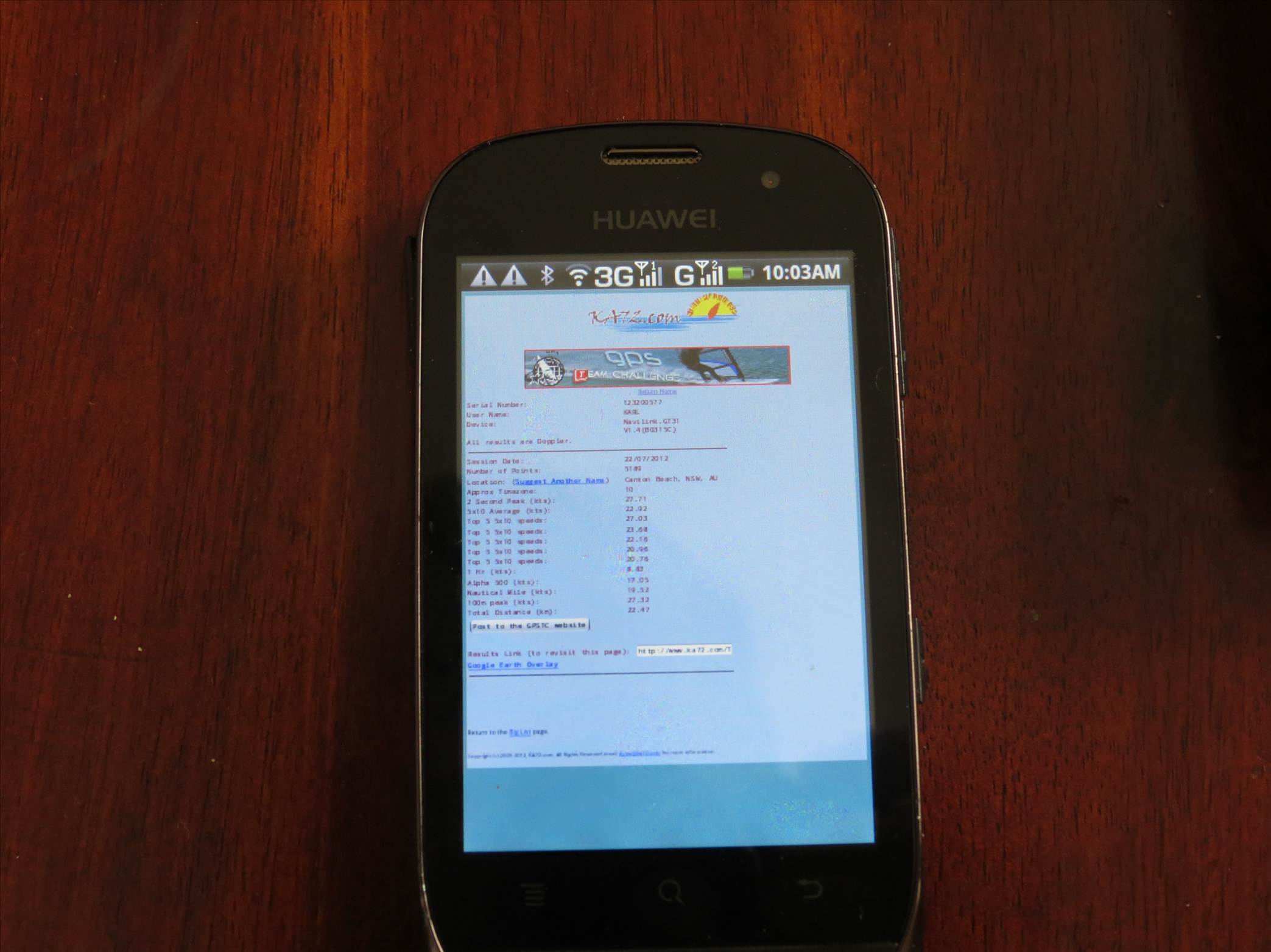
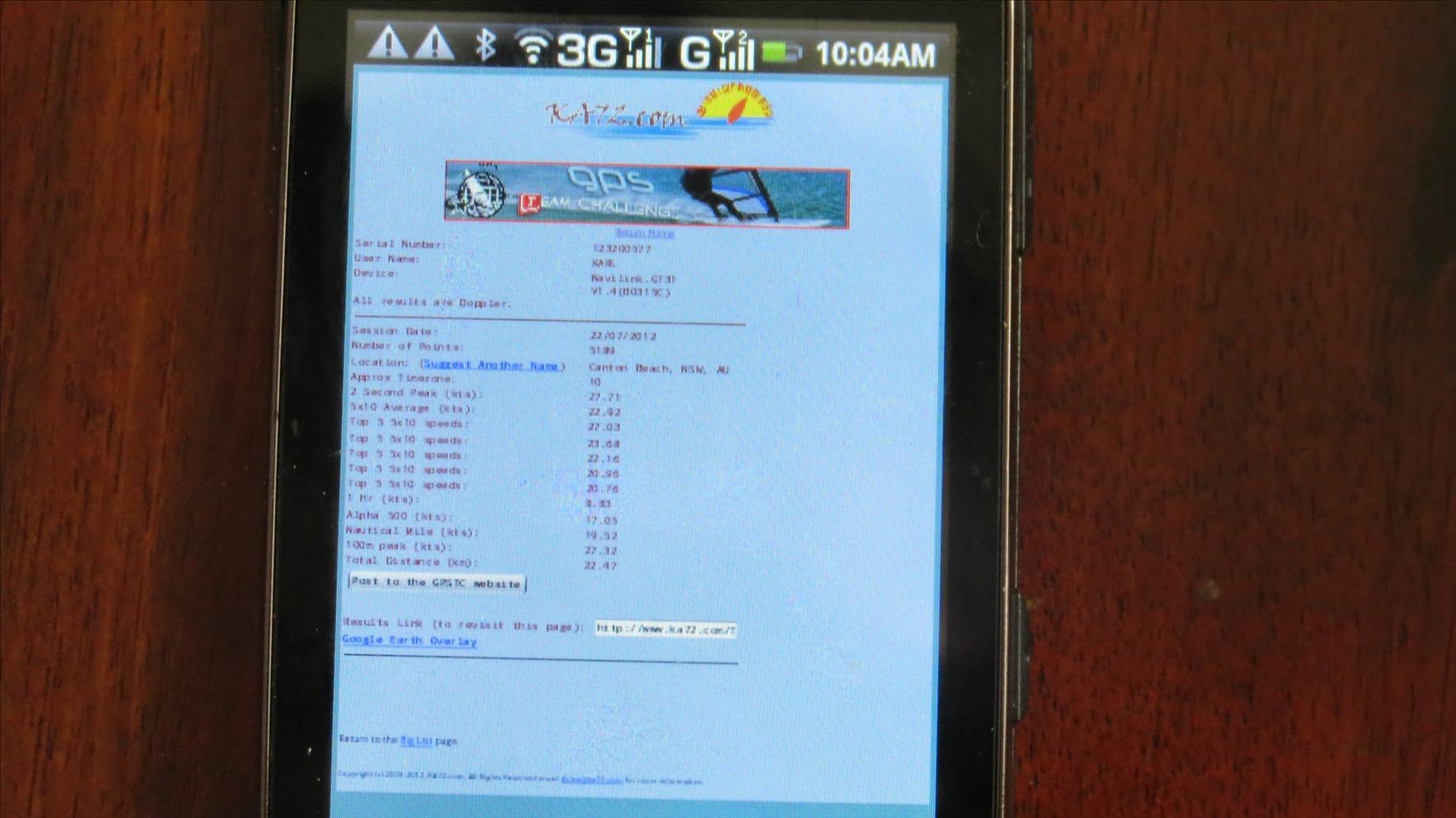


As the Android OS is based on Linux and Linux is very flexible with its file formats its unlikely there is anything in the Android OS which stops it from reading certain file types. If your device is not seeing the file then perhaps its the way in which Samsung has implemented Android though why would they do this?

It does not look like KA72 has any issues with Android either.

Perhaps contacting Samsung and asking for their advice would be the go.



Please Register, or first...
Topics Subscribe Reply

Return To Classic site 😭
Or... let us know if a problem, so we can tweak! 😅