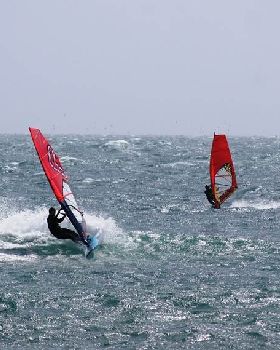
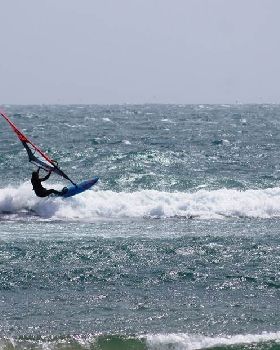
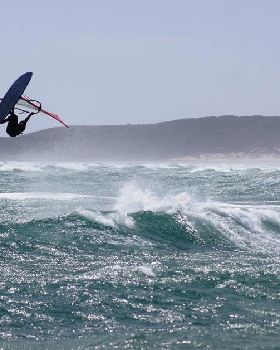
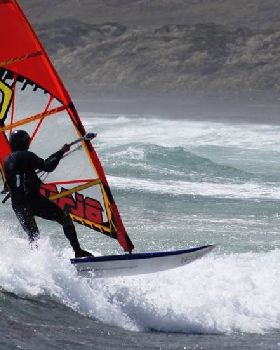
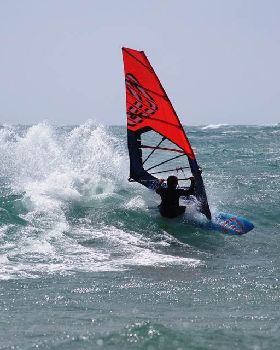
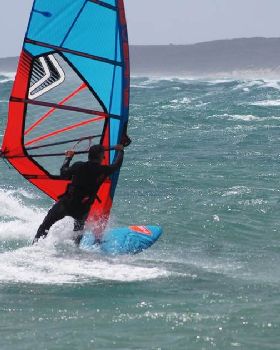
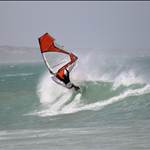
figured i'd continue this thread on from the wello thread in the qld section.

i'm kind of keen to see what everyone else does as it may also help the other amateurs on the forum.
personally i'm not using any sharpening etc on my camera. it's set to take jpegs on neutral setting in burst mode with aperture priority. i use aperture priority to control depth of field becasue i prefer that but do it with as higher shutter speed possible with iso's between 200-400
camera is set to :-
centre weight metering,
auto white balance,
single point focus,
iso between 200-400
shutter speed 1/1200 and faster
aperture between f4 and f8
i'm not using filters either. i found that using a polarizer killed my shutter speed/iso/aperture options. (probably where a f2.8 pro lens would be a good option)

was also given some other very good reasons to ditch filters from far better photographers than me. (cheers hairy
)
couple of observations i've found are
using max zoom on my lens (canon 70-300mm is usm) results in slightly better focus when set at f8.
less than 200mm zoom and f5.6-f4 is crisper.
when the distant background has landscape in it, like a couple of kilometers away, or if the subject is stretching your lens zoom capability. use a higher, (ie. f8) aperture number
when doing handheld, shutter speeds faster than 1/1200 are required.
even when you rhink you are holding the camera still you are not.
a monopod is a good investment.
no matter what, focus is the most important thing. any effect or filter outcome can be created in photoshop.
always shoot with the sun as close to behind you as you can. photos look livelier and the sky has a deeper tone to it.
a good link from a pro
bairdphotos.com/surf-photo-blurb-101/as my camera is set to neutral i have to use photoshop. some stuff i've found on the net, tried and found to work.
1. using a large diameter unsharp mask with small threshold and low percentage removes haze from images.
2. reducing the blue channel in curves also reduces the blue saturation beach photos seem to get.
increasing the red channel of curves adds warmth to images.
3. a small diameter unsharp mask with low threshold and higher percentage adds crispness but over sharpening is bad
4. setting levels is a must.
5. as my camera is set to neutral i also add contrast and saturation to my images.
youtube has some good video tuts for us beginners.
good links.
pshero.com/photoshop-tutorials/photo-effects/the-velvia-effectwww.photoshoptutorials.ws/other-tutorials/photography-tutorials/polarizing-filter/http://www.popphoto.com/howto/